
Add to Home Screen
This is the same site you use in the browser — as a shortcut it opens from your home screen like a simple app. No app store required.
1Step 1. Open this site in Safari. If you opened a link inside another app, use the menu to open in Safari when you can — in-app browsers often hide “Add to Home Screen.”
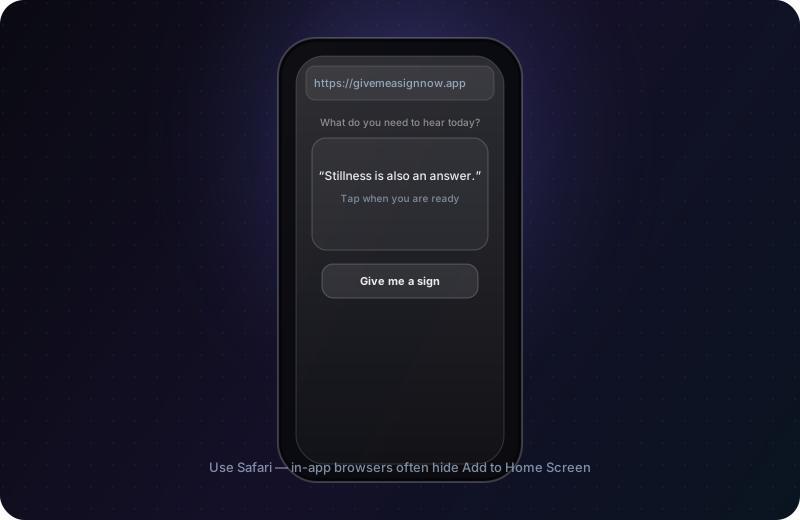
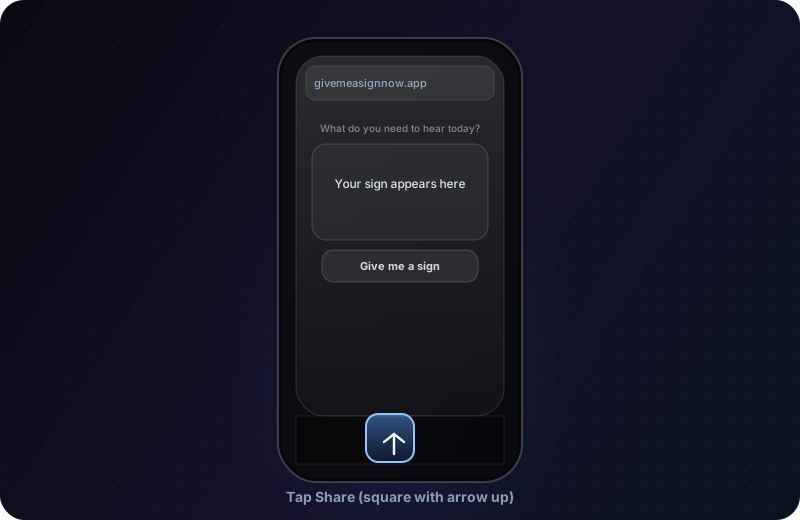
2Step 2. Tap the Share button (square with an arrow pointing up) in the toolbar.
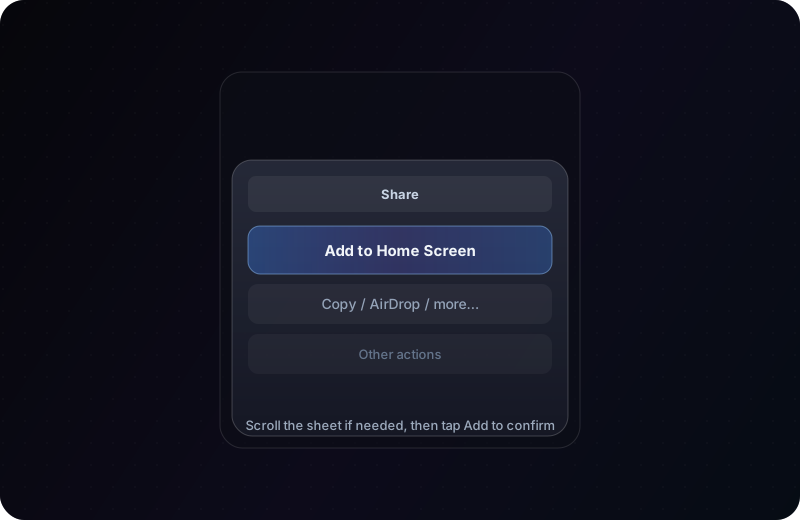
3Step 3. Scroll the share sheet and tap Add to Home Screen, then tap Add.
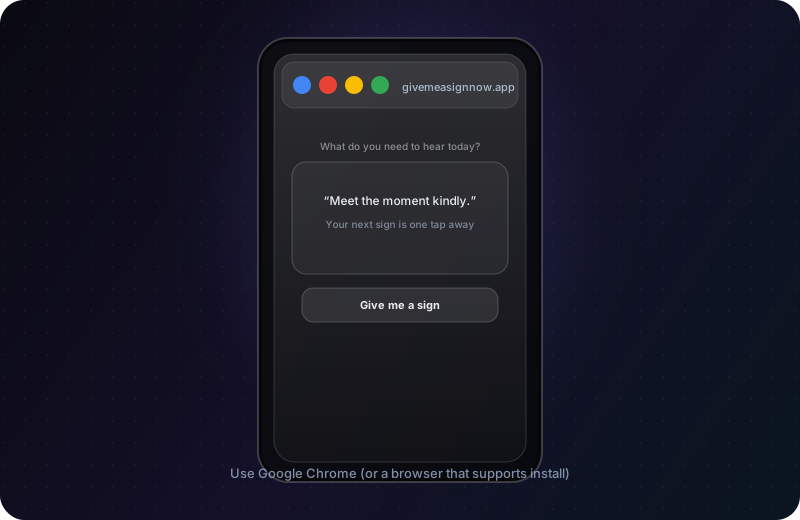
1Step 1. Open this site in Google Chrome (or your phone’s default browser that supports shortcuts).
2Step 2. Tap the ⋮ menu (three dots). Choose Install app or Add to Home screen — the exact label depends on your device and Chrome version.
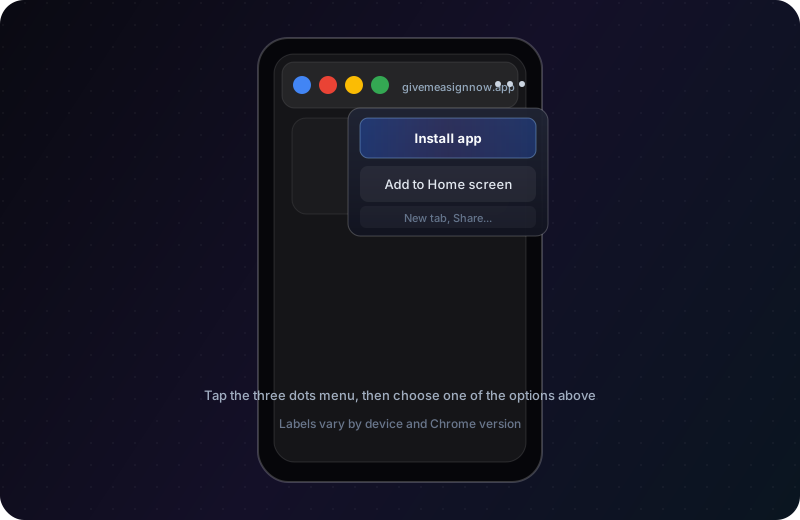
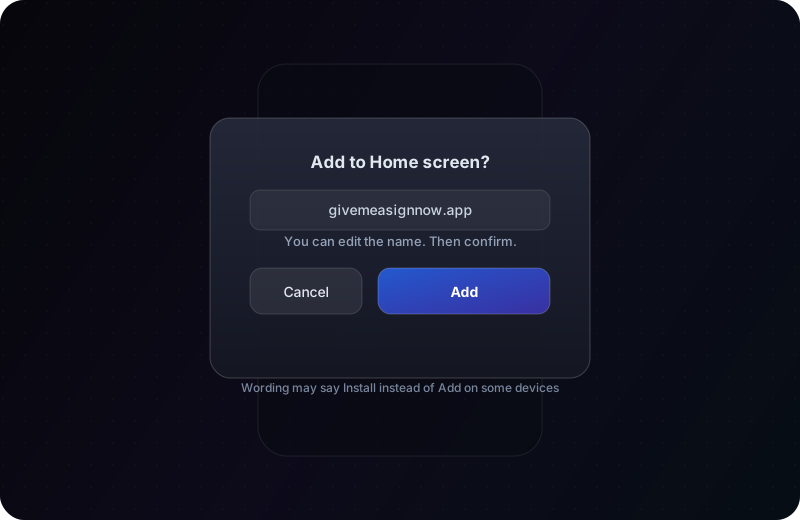
3Step 3. Confirm when prompted (you can often edit the name first). A shortcut or installed icon appears on your home screen.
Tip: after adding, open the icon from your home screen for a more focused, app-like window where your browser allows it.